 WebMail


Microsoft's free PC optimizer makes it easy to free up storage space
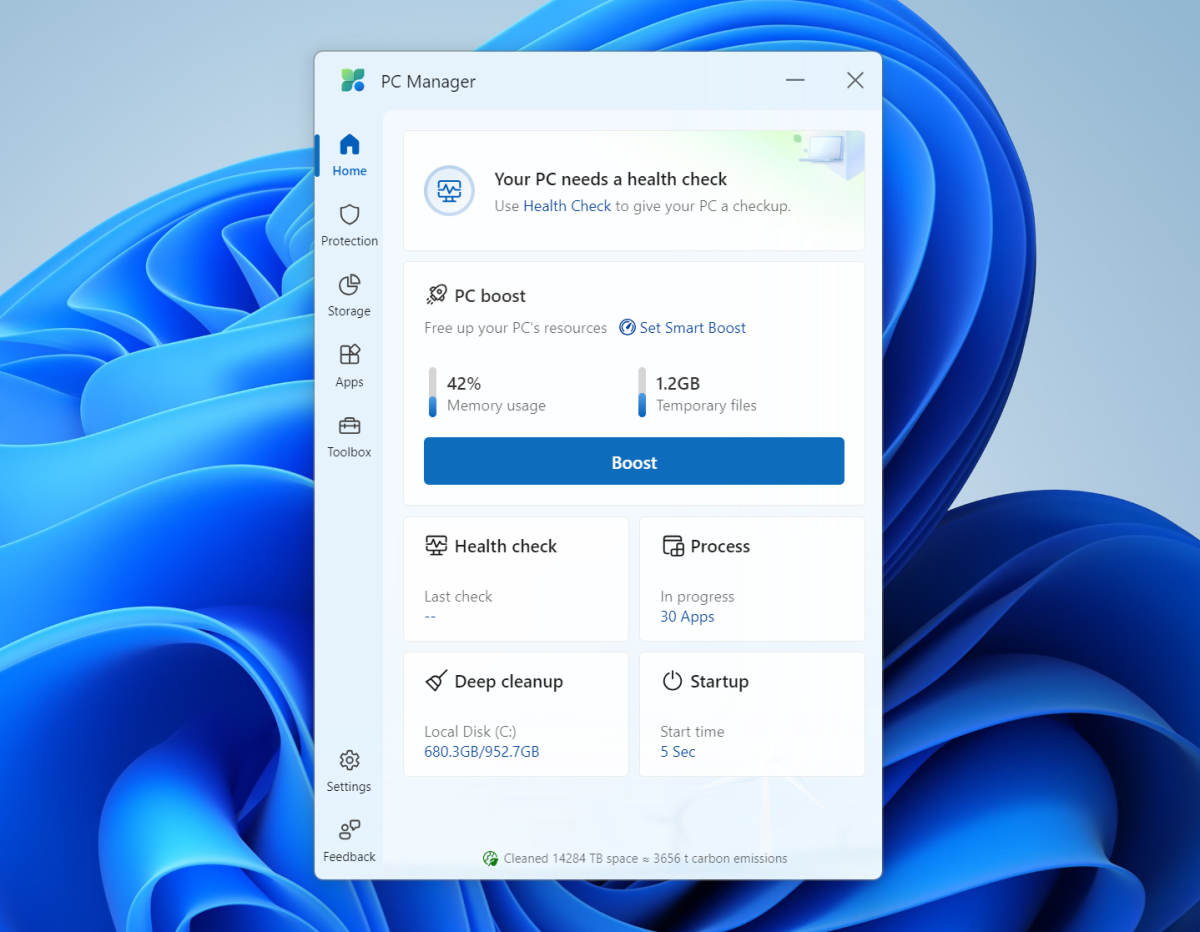
Microsoft has released a new version of its free Windows tuning tool, called PC Manager.
The main new feature of version 3.9.3.0 is the improved “files cleanup” feature, according to USIT news portal Windowslatest. Reports. It's designed to give you more free space on your Windows computer quickly and easily. The new “Files Cleanup” cleans downloaded files, finds particularly large files, and removes duplicate files.
Microsoft's PC Manager tool also brings a dark mode to the app. There are a number of detailed improvements to the interface, as well as a revised desktop toolbar, which now integrates Bing search. update: On that note, be careful when using PC Manager's repair tools. After this update it started saying To “repair” Edge you need to switch to Bing search. For its intended use. If you've manually tuned Edge's default to run Google, DuckDuckGo, or another search engine, ignore this recommendation from PC Manager.
Further reading: How to Use Microsoft's Free PC Manager for Digital Spring Cleaning
What does Microsoft PC Manager do?
Mark Hechman / IDG
Mark Hechman / IDG
Mark Hechman / IDG
With PC Manager, you can optimize memory and storage space on Windows 11 and Windows 10 computers. Windows should also work faster by removing temporary files and clearing the Windows Update cache.
When cleaning your computer, you can specify in PC Manager whether the tool should focus its cleanup and cleaning operations on downloaded files, large files, or duplicate files. For downloaded files, the software clears downloads from Edge, Chrome, and other applications that deposit files in the Downloads folder. If you let PC Manager find large files, the tool will show you this. You can then decide if you still need the file in question or if you want to free up storage space.
As already mentioned, the third option is to locate multiple files in different locations on your computer and therefore take up unnecessary storage space.
Microsoft's PC Manager works as an alternative. The popular Ccleaner optimization app.
You can find PC Manager downloads in the Microsoft Store. Requires at least Windows 10 version 19042.0 or higher, or Windows 11, with both x86 and Qualcomm's Snapdragon chips supported.
Editor's note: This article originally ran on May 13 but was updated on May 17 to warn about Bing search's “fixed” behavior.
This article was originally published on our sister publication. PC-WELT and translated and localized from German.


